
Qadrimel Qadrimel Cloud accounting

Cloud accounting in Korea

Keep the books clear so work moves forward.

Short answers to the questions owners and office staff ask us about cloud bookkeeping in South Korea. Every answer points at the workflow that solves it, and where a topic runs deeper we link the page that carries it.

Getting started and migration

Start small, prove the loop, then widen it. Most teams move one recent month across before touching history, and the pattern holds whether you run a five-person office or sixty.

Keep paper or PDF originals until matching is stable. Name one owner for reconciliation so lines do not pile up on a single person at month-end.

See features
  1. 01

    Set opening balances and a short chart

    Bring across opening balances, trim the chart of accounts to what you actually post to, and load invoice templates your clients recognize.

  2. 02

    Connect one bank feed

    Pick the account you reconcile most, connect it, and run a full week of transactions end to end before adding a second account.

  3. 03

    Migrate one recent month

    Move a recent month with attachments, lock tested periods, and only then load older history if reporting really needs it.

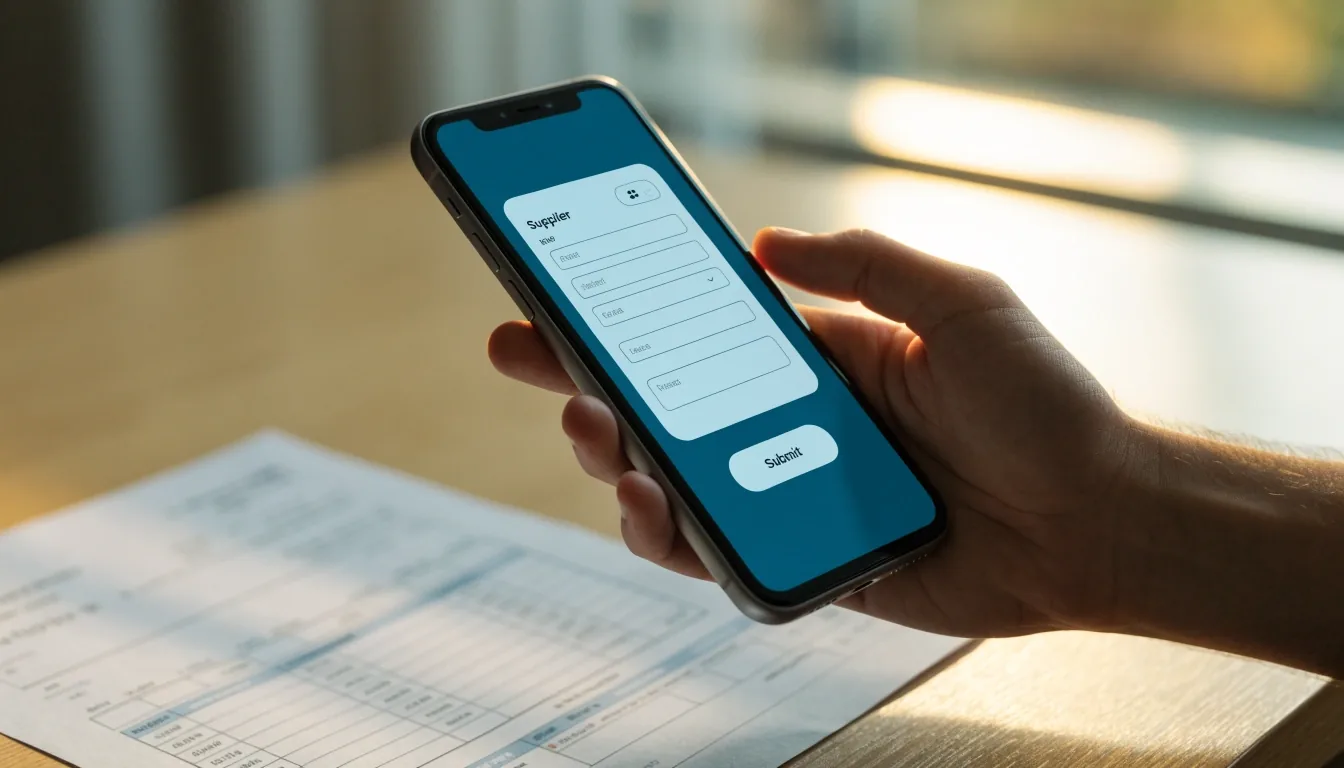
A hand holds a phone entering a VAT invoice in a cloud app above a paper tax invoice on a desk.

VAT and tax invoices

Software marketed to Korean businesses commonly bundles electronic invoicing and statutory reporting with the ledger and reconciliation. The useful test is whether issuing, receiving, matching and VAT tagging sit in one chain — not whether each piece exists somewhere.

Keep the chain linked, and reconcile before preparing the VAT return so the summaries draw on reviewed data rather than on raw imports. Filing steps themselves should be confirmed with a licensed professional — tools prepare the work, they do not replace the judgement behind it.

Compare options

Reconciliation, capture, and the local-versus-global question

These two come up together in almost every first conversation, so they read well side by side. Bank feeds and OCR receipt capture on one hand; the choice between Korean SME platforms and globally familiar tools on the other.

Bank reconciliation and OCR

Many teams ask whether systems sold in Korea support bank reconciliation and OCR receipt capture. For KRW books, tools in the HelloBooks class describe both — AI-assisted categorization plus mobile capture from a phone camera.

The capture is a first pass, not a verdict. Splits, transfers, and unclear scans still need a human review. A weekly pass keeps close week calm and stops the pile from becoming a mountain.

  • Match bank lines before categorization spreads.
  • Split transfers at capture so they do not return at close.
  • Re-scan unclear receipts while the source is still at hand.

Local tools versus global tools

Local SME platforms stay close to Korean document habits and ERP context — invoice forms, approval trails, and filing assumptions follow the local norm. Global tools carry familiar bookkeeping and mobile patterns, as seen with QuickBooks Online and Sage Accounting.

The difference shows up in the invoice steps, in the language of the interface, and in how much of an audit trail you can hand a reviewer. Brand familiarity is a weak test; your own documents are a strong one.

  • Run one real tax invoice through both candidates.
  • Check who on your team reads which interface comfortably.
  • Ask what the reviewer will actually see at period end.

Read the feature breakdown for the workflow chain, or our comparison notes for how scope changes between shapes.

One platform for everything, or the smallest shape that fits?

Cloud ERP shapes bundle accounting, inventory, purchasing and payroll in a browser — a pattern smaller firms in Korea are moving toward. That works well when stock and suppliers drive the books, because the shared record carries the operational detail.

Service firms with simple cost structures often do better with a ledger plus separate payroll. SME accounting centers on invoices, banks and reports; full ERP adds depth for orders, stock, approvals and audit needs. More depth means more setup and more roles to fill.

The honest rule: choose the smallest shape that still links your core documents. If the ledger and the bank feed and the invoice trail agree with each other, extra modules are a cost, not a benefit.

Match scope to transaction type

Service firm, few costs
Ledger + payroll
Trading with stock
ERP shape
Multi-step approvals
ERP shape
Simple invoicing only
Cloud ledger

Shapes refer to how the tools are commonly scoped in this market, not to a single vendor line.

A monitor showing a month-end close checklist with a nearly finished hand lifting a coffee mug in late light.

What a clean review actually looks like

The end of a working week in a well-kept book is unremarkable on purpose. Bank lines carry a match, invoices carry a status, and the one open item has an owner whose name you know.

  • Every bank line either matched or flagged with a question.
  • Tax invoices received and issued carry a status.
  • VAT tags applied before the return draft is touched.
  • One person named on every unresolved item.
An office during a bookkeeping migration with a progress bar on a laptop and an open cardboard box nearby.

Migration questions we answer most

Short answers first. Expand any one for the longer form, or open the sections above for the workflow detail behind it.

Which cloud accounting software fits a small business in South Korea?

The fit depends on invoice volume, bank activity, stock and payroll. The reliable way to choose is a ledger trial using real tax invoices and one bank week, then weighing ERP shapes only if inventory or purchasing genuinely needs shared records. Scope before brand.

What features matter most for Korean VAT and tax invoice compliance?

Linked issue and receipt of electronic tax invoices, VAT tagging, bank matching, and a clear path from ledger to return draft. Keep attachments and approvals searchable, so a reviewer can follow a number back to its source without asking you where it came from.

How do we move from spreadsheets without losing history?

Migrate opening balances and one recent month first. Attach source files, lock the tested periods, and add older history only if a report actually needs it. Most audits of history come down to a single month-two, not a decade, so test what you need before you import what you have.

Do we need to keep paper tax invoices after moving to cloud?

Keep paper or PDF originals until reconciliation is stable, and until a licensed professional confirms what your business is obliged to retain. Cloud tools store attachments well; the retention rule itself comes from your adviser, not from the software.

How often should someone review the bank feed?

Weekly is the practical rhythm for most teams. It keeps the review short, catches transfer splits before they confuse totals, and leaves close week for the few items that genuinely need a decision rather than a hundred small ones.

Ask a question we have not covered

If your case sits between two of these answers, write to us with the shape of your month: how many tax invoices, which banks, whether stock is involved, and who on your team will own reconciliation. That context is usually enough for a straight answer.

Ask a question
Office
26 Teheran-ro, Gangnam-gu, Seoul 06236, South Korea
Hours
Monday to Friday, 9:00 AM – 6:00 PM