Qadrimel Qadrimel Cloud accounting
Features

Workflows · Korea

Keep the books clear so work moves forward.

This page walks through core cloud accounting workflows in the order staff usually meet them. Each part names the inputs, the checks, and the record it leaves. Korean VAT and tax invoice touchpoints are noted where they belong.

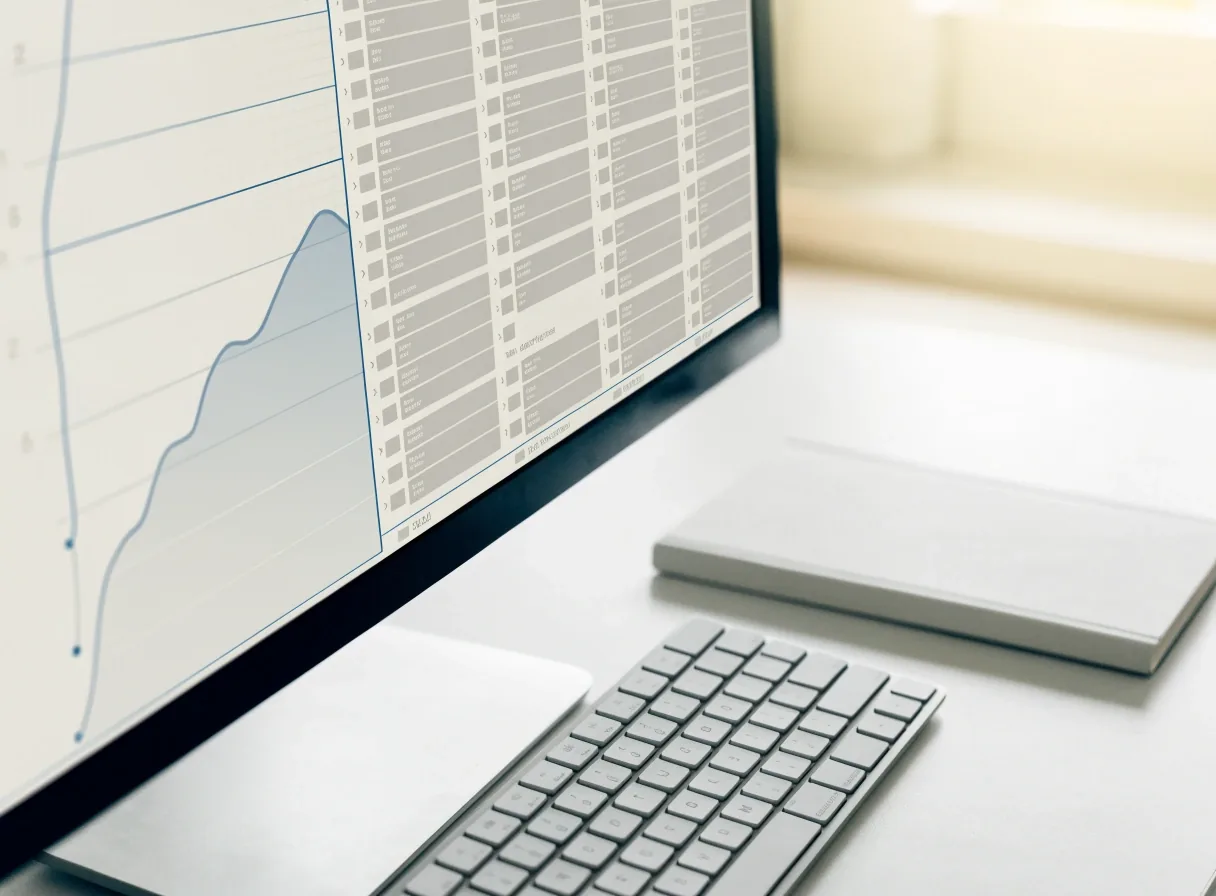
A monitor showing a chart of accounts tree with a cash flow line in a bright, minimal office.
First rows of the ledger Posted
  • Chart of accounts structure
  • OCR bill capture draft → review
  • Electronic tax invoice issue → link
  • Bank reconciliation match lines
Walk the close Six steps · one ruled column

Every ruled row is a step staff actually walk.

Nothing below is decoration: each row names what goes in, what gets checked, and the record it leaves behind. Read it as a working order — the same order the month runs in.

Chart of accounts and general ledger

The chart sets the structure; the ledger holds the entries. Keep account names short and tied to how you actually buy and sell in Korea. Too many sub-accounts early makes categorization slower — add detail when volume proves you need it. Every invoice, payment, and adjustment should trace back to this record.

OCR capture and receipts

OCR capture turns a photo or PDF of a receipt into draft text and amounts. HelloBooks lists OCR bill capture among its pitches for Korean SMEs, alongside reconciliation and close drafting. Review the draft before posting — stamps, handwritten totals, and mixed KRW lines still need eyes. Attach the image to the entry so later review is quick.

E-invoicing and tax invoices

In Korea, electronic tax invoice steps are commonly bundled with ledger and reconciliation features in software marketed to local businesses. Issue the invoice with correct business details and VAT treatment, then link it to the sale. For purchases, link the received invoice to payment and category. Clean links now make the VAT return calmer later.

Bank reconciliation

Import or connect bank lines, then match each line to an invoice, bill, or category. AI-assisted suggestions can speed this up, as described for tools like HelloBooks. Still, review transfers between your own accounts, refunds, and fees by hand. Short weekly sessions in Seoul or Suwon offices prevent month-end pileups.

Cash flow management

Cash flow screens rely on due dates, expected receipts, and scheduled outgoings. QuickBooks Online highlights its mobile app for cash flow, time tracking, and payments, which shows how often owners check balances away from the desk. Update due dates when terms change. A cash view is only as good as the open invoices behind it.

Month-end close and statutory reporting

Close means reviewing open items, drafting adjustments, approving, and locking the period. Some tools draft close steps from categorized data; staff still confirm accruals and cut-off. Statutory reporting then pulls from locked, reviewed figures. Keep a simple checklist and note who approved what.

Rows are in the order staff meet them, not a rigid sequence — most Korean SMEs run the ledger continuously and close it once a month.

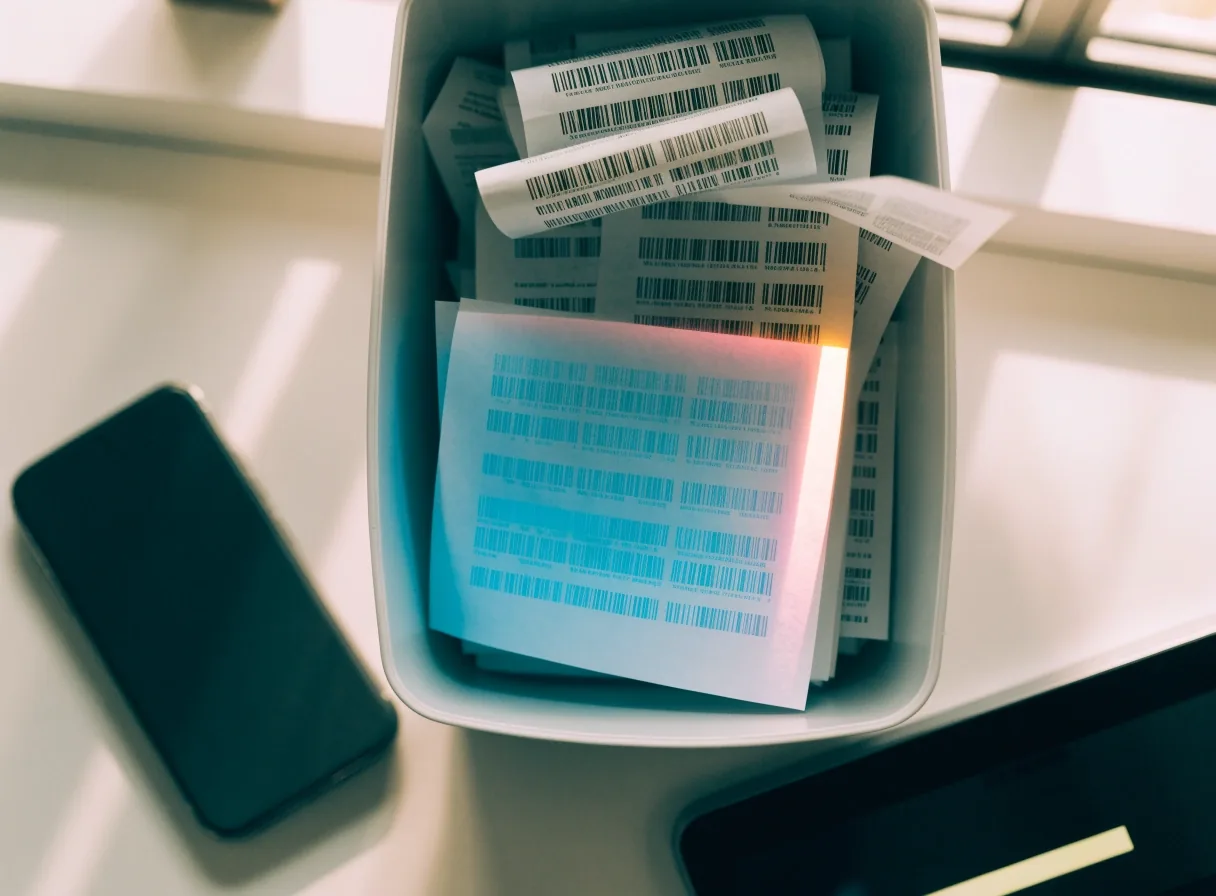
Overhead view of receipts being scanned beside a phone, with a tablet showing an OCR result block.
Capture → draft → review → post. The image stays attached to the entry.

Step 02 · details

OCR capture and receipts

Full-resolution phone photos of a Korean receipt usually land as a readable draft within seconds. The useful part is what happens after: numbers land in the accounts you already use, dates land on the correct period, and the receipt image hangs off the entry so a reviewer in a later month can still see the paper.

Treat the draft as a first pass, not a final one. Corporate stamps, handwritten totals, and lines split between KRW and a foreign currency still want a person to look. Match the direction of accounts your team already keeps; if a vendor offers a shortcut category that doesn't fit your chart, change the category rather than add a fresh sub-account.

Step 03 · Korean touchpoints

E-invoicing and tax invoices

In Korea, electronic tax invoice steps are commonly bundled with ledger and reconciliation features in software marketed to local businesses. Issue the invoice with correct business details and VAT treatment, then link it to the sale. For purchases, link the received invoice to payment and category.

Where the invoice gets linked Filed when posted
  • Sale issued with VAT

    Issued sales invoice

  • Customer payment received

    Bank line → invoice

  • Purchase invoice received

    Bill with category

  • Refund or credit note

    Linked to original

  • Period-end VAT draft

    Filed from reviewed figures

An office during month-end close with a bank reconciliation screen on a desk and a colleague passing with a folder.

Step 04 · the weekly habit

Bank reconciliation

Import or connect bank lines, then match each line to an invoice, bill, or category. AI-assisted suggestions can speed this up, as described for tools like HelloBooks. Still, review transfers between your own accounts, refunds, and fees by hand — these are the three places the automated pass is most often wrong.

Short weekly sessions in Seoul or Suwon offices prevent month-end pileups. When the reconciliation is current, the cash flow screen reflects reality instead of the last time someone forced it to balance.

Step 05 · the owner's view

Cash flow management

Cash flow screens rely on due dates, expected receipts, and scheduled outgoings. QuickBooks Online highlights its mobile app for cash flow, time tracking, and payments — which shows how often owners check balances away from the desk. Update due dates when terms change. A cash view is only as good as the open invoices behind it.

Three fields carry most of the value: expected receipt date, expected amount, and whether the invoice has actually been issued. Everything else on the screen is a rollup of those three.

Month-end close and statutory reporting

Close means reviewing open items, drafting adjustments, approving, and locking the period. Some tools draft close steps from categorized data; staff still confirm accruals and cut-off. Statutory reporting then pulls from locked, reviewed figures. Keep a simple checklist and note who approved what.

  1. First

    Review open items

    Unmatched bank lines, draft bills, and invoices still in review — everything the reconciliation has not yet closed out.

  2. Then

    Draft adjustments

    Accruals, prepayments, and cut-off entries for the period. Drafted from categorized data where the software can help, confirmed by staff where it can't.

  3. Approve

    Sign off the period

    Note who approved which adjustment. A one-line log in the file is enough — the point is that someone can answer for each entry a year from now.

  4. Lock

    Statutory reporting

    Reporting pulls from locked, reviewed figures. Reopening a period invalidates the reports built on top of it — so lock once and treat the lock as final.

Common question

Two things owners ask before they choose.

More questions — including VAT deadlines, data migration, and how Qadrimel works alongside an existing Korean tax agent — sit on the FAQ page.

Do I need ERP if I only need invoicing and ledger?

Often no. A cloud ledger with e-invoicing and bank matching covers many small firms. Consider ERP shapes when inventory, purchasing, and payroll must share data — that's the point where separate tools start needing handoffs.

How often should we reconcile?

Weekly suits most SMEs. High-volume shops may check bank lines daily and review categories every Friday. The habit matters more than the day — the pileup at month-end is what weekly sessions are designed to prevent.

Pick up wherever your team is now.

Compare ledgers, cash flow, and VAT handling side by side, or open the FAQ for the smaller questions.